
Quick response
Quick Answer: The most reliable VIN location for the BMW X3 (E83) is the B-pillar safety certification label (door jamb sticker). It’s typically located on the center pillar between the front and rear doors. Expert tip: on older cars the sticker can peel or fade—use a bright, square-on photo to avoid misreading characters.
![VIN location BMW X3 E83 [2004-2008]](/_astro/vin-location-bmw-x3-e83-2004-2008.CzkDyI3D.webp)
Where is the VIN number in BMW X3 (E83) [2004-2008]?
This guide covers the BMW X3 E83 (model years 2004–2008) and the real-world VIN/chassis number locations you can check in minutes.
Chassis Number Locations
B-Pillar (Safety Certification Label) 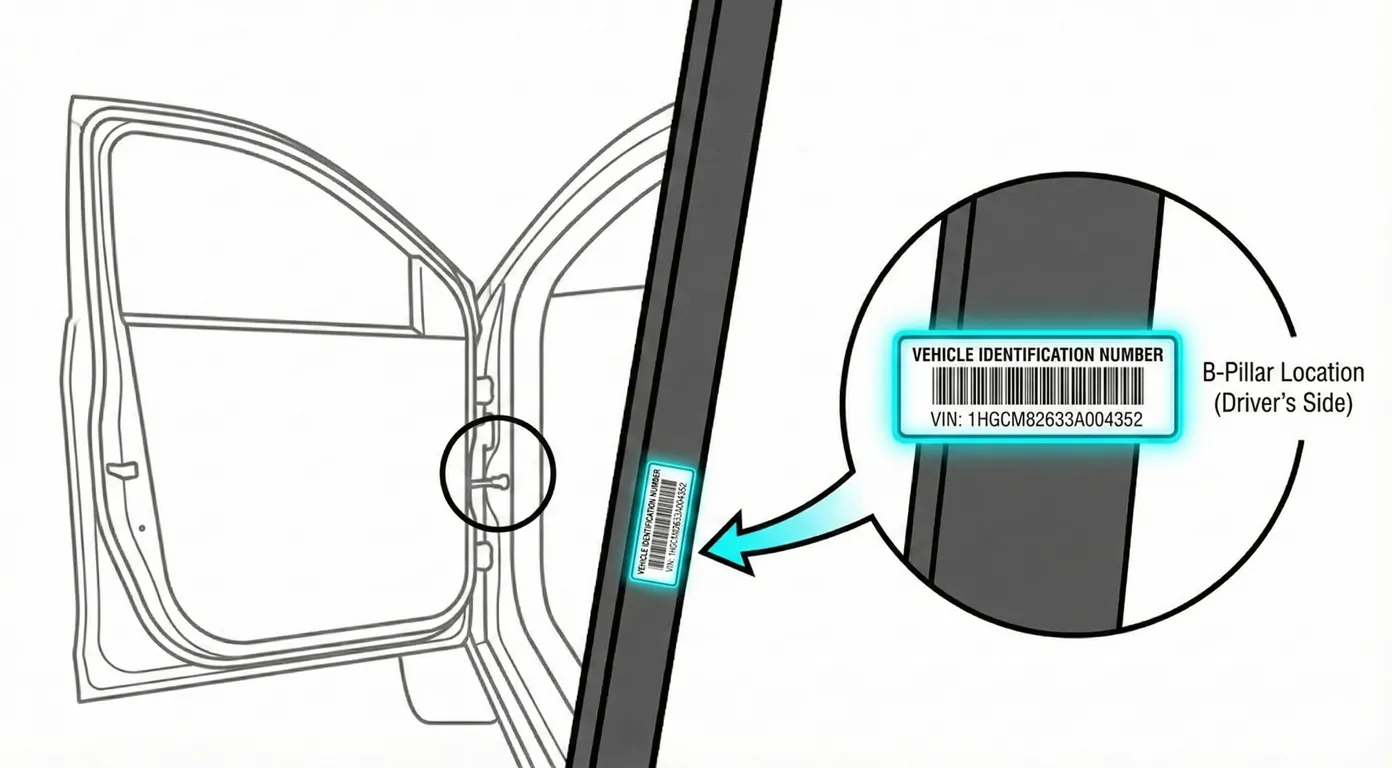
- Where to look: Open the front door and look at the lower section of the B-pillar (door jamb)—the black sticker that also shows tire pressure information typically contains the VIN.
- Access: Easy access, no tools. Sticker is on a vertical surface; on older E83s it may be faded, peeling, or torn.
- Note: The inspection vehicle shown is RHD; on LHD (EU/US) cars, this label is typically on the left-side door jamb area (mirrored positioning is common).
- Tip: Use ScanVin.app OCR and fill the frame with the label—this avoids transcription mistakes if the print is small or partially worn.
Windshield (Dash Plate) 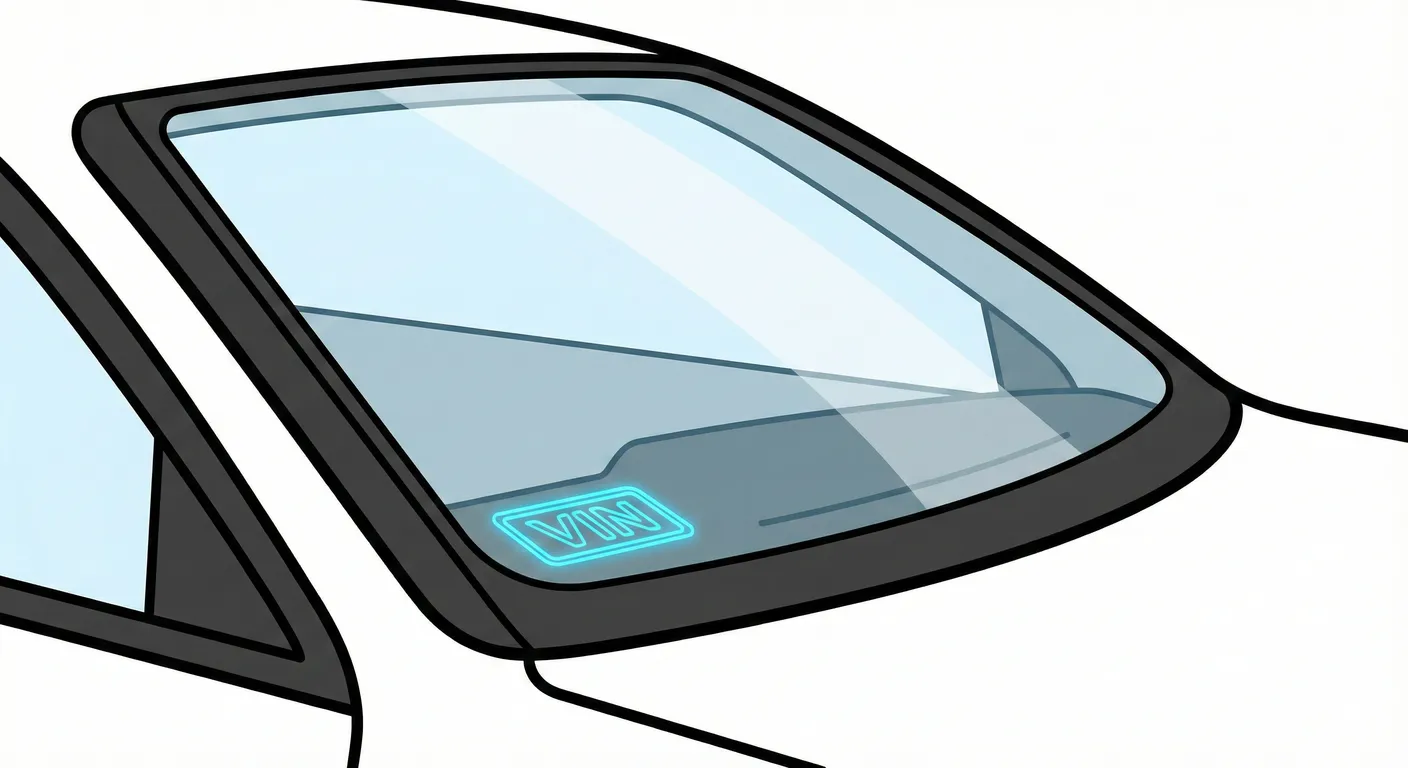
- Where to look: From outside the car, look through the bottom corner of the windshield for the VIN plate (standard BMW placement).
- Access: No tools; best viewed from outside in daylight.
- Note: If reflections are bad, try shading the glass with your hand or changing your angle slightly.
- Tip: Windshield VINs fail because of glare—use ScanVin.app to capture it instantly (no typing) before reflections wash out characters like B/8 or S/5.
Engine Bay (Bulkhead/Firewall Chassis Stamp) 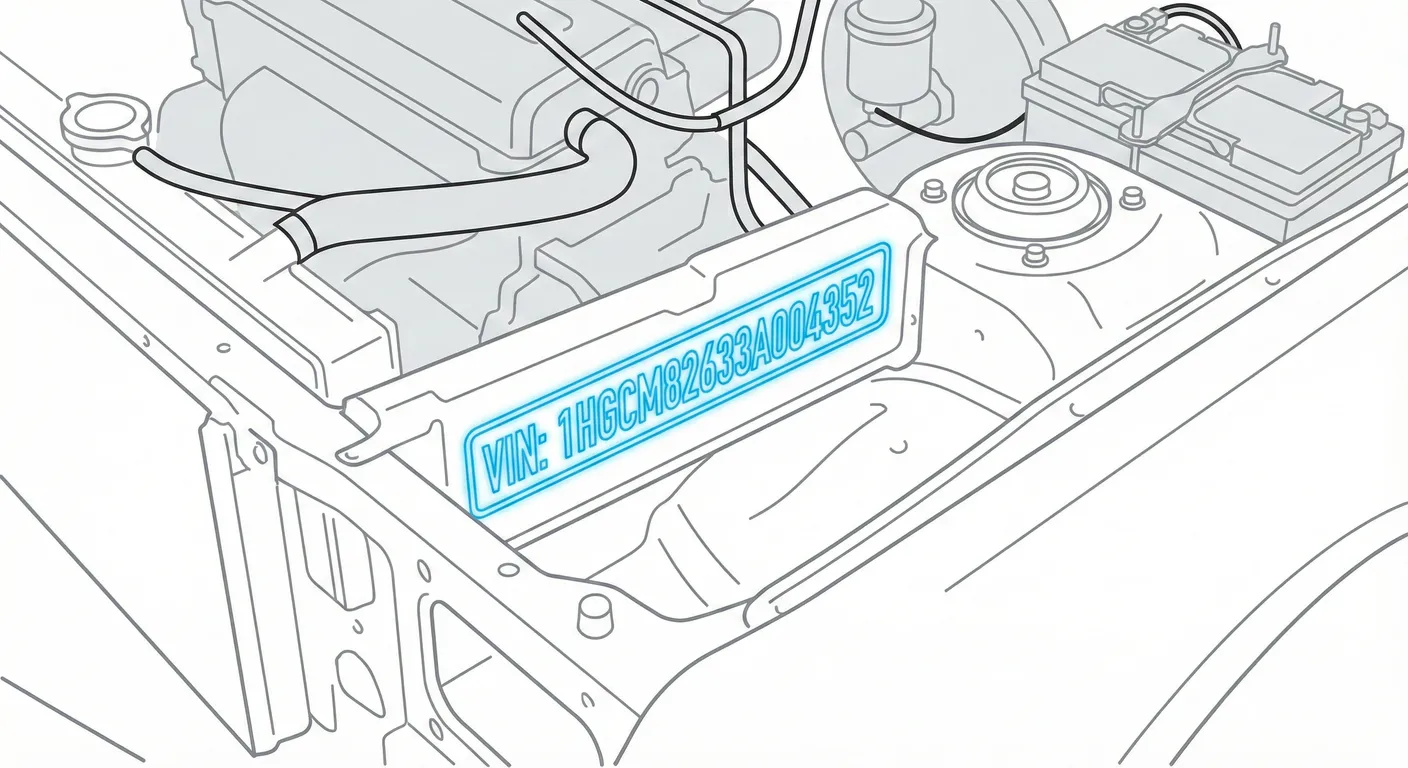
- Where to look: Open the hood and locate the VIN stamped into the metal on the firewall/cowl panel, roughly central but slightly toward the right side of the car, just below the rubber weather seal and plastic cowling.
- Access: Hood open. Usually no trim removal, but expect dirt/leaf debris/grime buildup and some shadowing from the hood. Wires/cables may partially obstruct the view.
- Note: Many generic BMW guides claim “strut tower VIN.” On the X3 E83, the verified stamp is on the firewall/bulkhead, not the shock tower.
- Tip: Clean the stamp with a rag/brush, then use ScanVin.app “High Contrast AI Mode” + flashlight to pull out faint or dirty stamped characters.
OBD II Port (Digital VIN Readout) 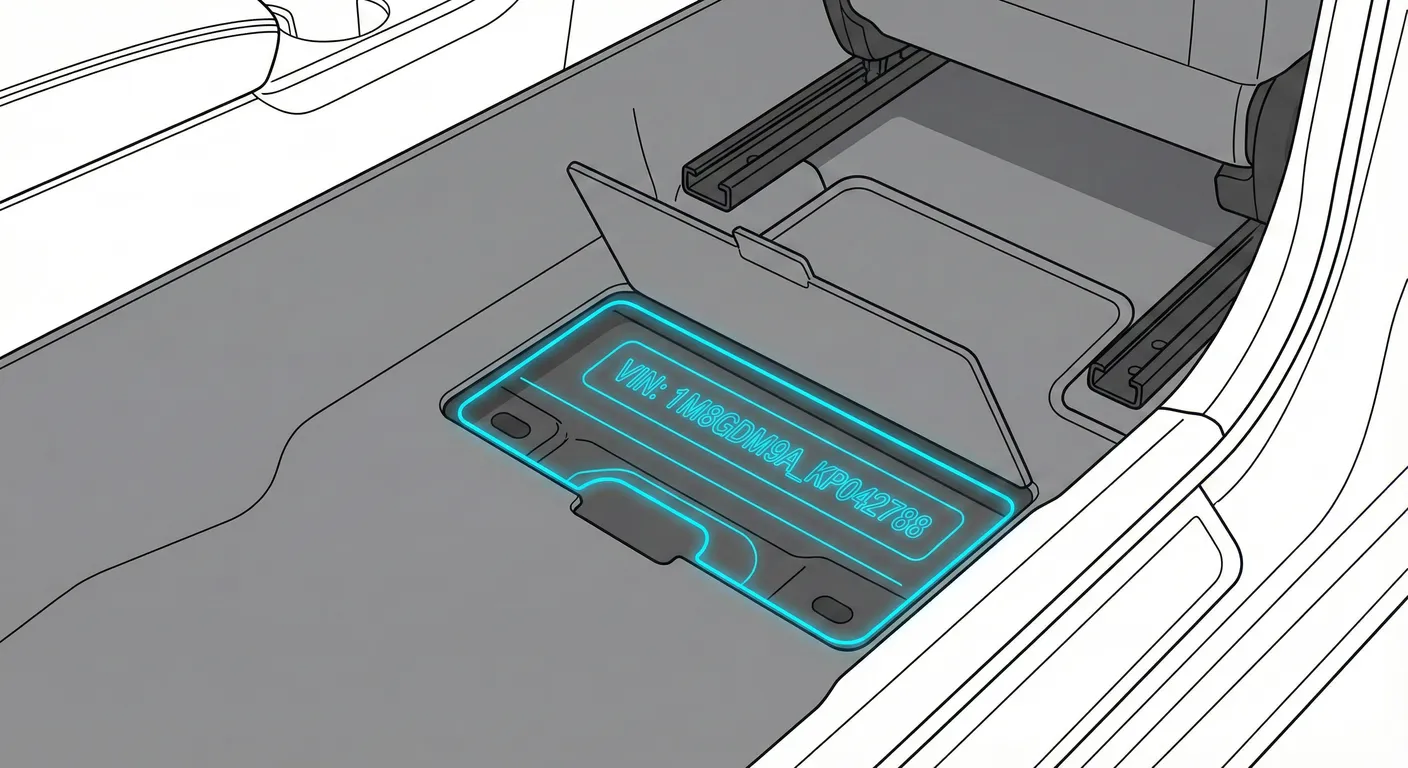
- Where to look: In the front footwell side trim there’s a small plastic flap marked “OBD”—open it to access the OBD-II port.
- Access: Requires bending into the footwell and unclipping/opening the flap. This location does not display the VIN visually—it’s for a diagnostic tool/dongle to read the VIN electronically.
- Note: On LHD vehicles it’s typically on the left side footwell area; on RHD it’s typically mirrored.
- Tip: If you’re contorting in the footwell, scan the VIN elsewhere with ScanVin.app so you don’t have to write it down in an awkward position.
Video Guide
Video Tutorial: BMW X3 CHASSIS NUMBER ENGINE NUMBER LOCATIONS
- Shows a verified BMW X3 (E83) with the OBD flap, B-pillar VIN label, and the firewall/bulkhead chassis stamp location.
Common Problems & Troubleshooting
- Firewall stamp is dirty/shadowed: Expect leaf debris and grime at the cowl; scrub the metal lightly and use a flashlight to read the stamping.
- Windshield VIN unreadable due to glare: Move your viewing angle, shade the glass, or shoot at dusk/indoors to reduce reflections.
- Sticker doesn’t match stamped VIN: Door-jamb labels can be replaced or damaged. For identity checks and registration disputes, rely on the stamped chassis number and verified vehicle history.
Ready to scan?
Start the scanner and scan the VIN in seconds. No registration, no fees.
Check other generations of this model
Note on Data Sources
Information about VIN location in this model comes from aggregation of official technical documentation (OEM) and spare parts catalogs. Despite careful algorithmic verification, the data is for reference purposes only. Final vehicle identification should always be confirmed by an authorized technician.
See how we verify data and build our database →