
Quick response
Quick Answer: The most reliable VIN location for the Audi A4 B8 (8K) is the stamped chassis number in the plenum chamber at the base of the windshield (engine bay side). It’s stamped into the metal near the firewall and usually requires lifting a rubber seal and moving a plastic cowl cover. Use a flashlight—this area is shadowy and often dirty with leaves.
![VIN location Audi A4 B8 (8K) [2008-2015]](/_astro/vin-location-audi-a4-b8-8k-2008-2015.BgQmbjsP.webp)
Where is the VIN number in Audi A4 (B8 / 8K)?
This guide shows the VIN (chassis number) locations on the Audi A4 B8 (8K) produced 2008–2015, including the quick-to-check plates and the more “mechanic-only” stamped number.
Chassis Number Locations
1) Engine compartment (stamped chassis number in plenum chamber) 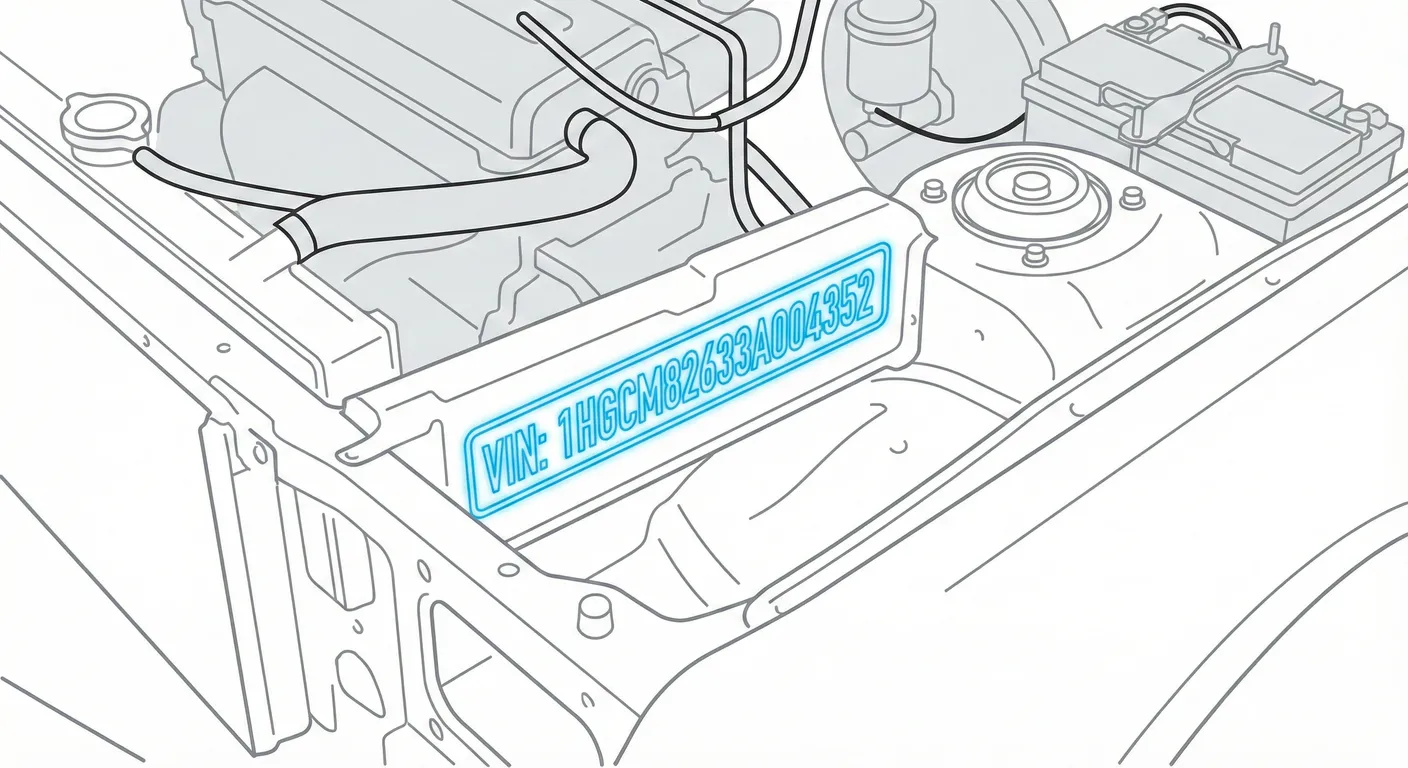
- Where to look: Open the hood and go to the plenum chamber (the tray area between the engine bay and the windshield). The VIN is stamped into the metal slightly right-of-center when facing the engine (i.e., roughly in front of the passenger seat area).
- Access: You’ll usually need to lift/remove the rubber weather strip and move/pry up the plastic cowling/cover to see the stamp clearly. Expect dirt/leaves and awkward viewing angle near the windshield base.
- Note: On RHD cars, the stamped VIN is still in the same plenum/firewall zone (it does not “swap sides” just because the steering wheel is on the other side).
- Tip: If the stamp is dusty or low-contrast, use the app’s camera with contrast assistance to read it instead of guessing characters—try to scan the stamped VIN in High Contrast AI Mode while shining a light across the letters.
2) Dashboard / windshield VIN plate (region dependent) 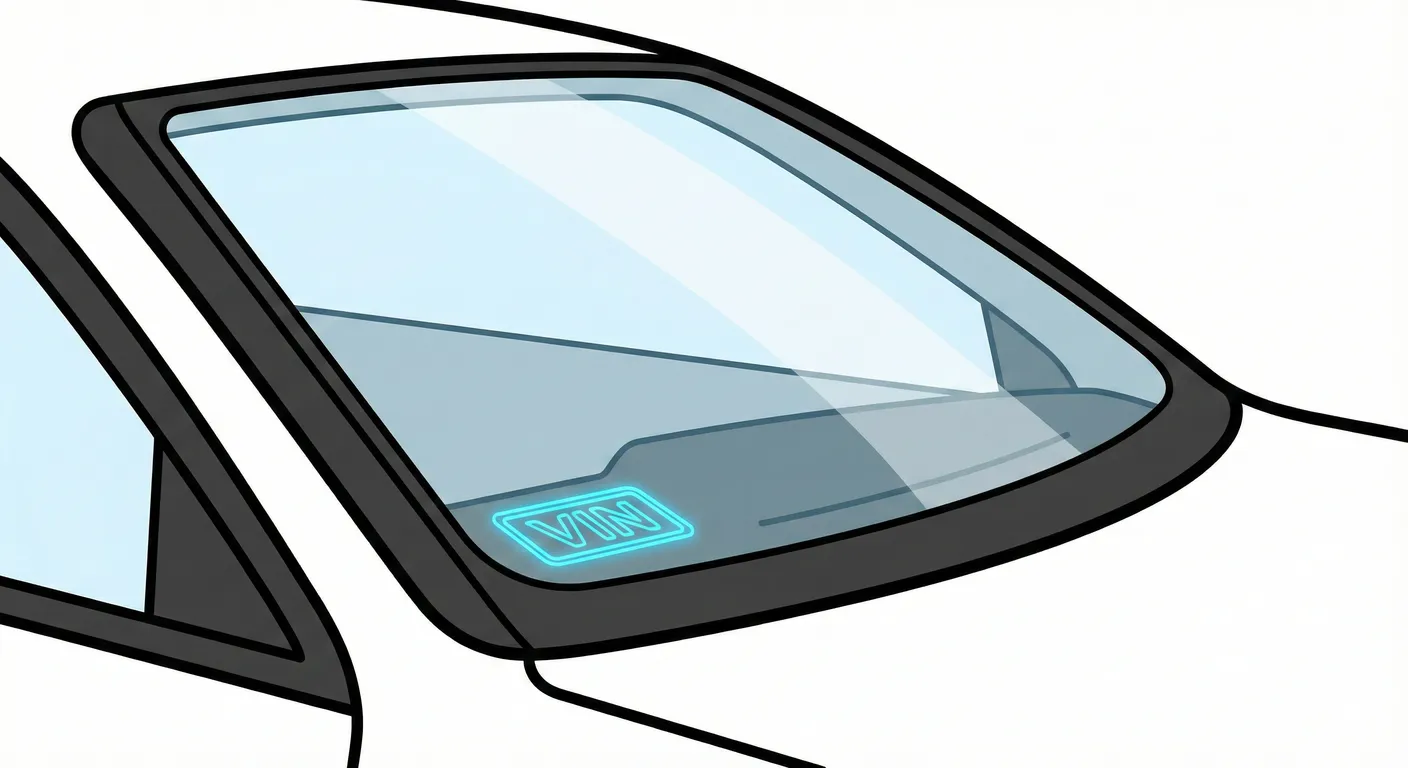
- Where to look: Look through the windshield at the bottom corner on the left side of the dash (near the base of the glass).
- Access: Very easy—no tools. The main fight is windshield glare/reflections.
- Note: Some markets may not have a visible windshield VIN plate (you may see a blank/black area instead). If it’s missing, move to the door jamb sticker and the stamped plenum VIN.
- Tip: If reflections wash out the numbers, capture the VIN instantly with your phone so you don’t transpose characters like 8/B, O/0, S/5.
3) B-pillar / door jamb manufacturer sticker 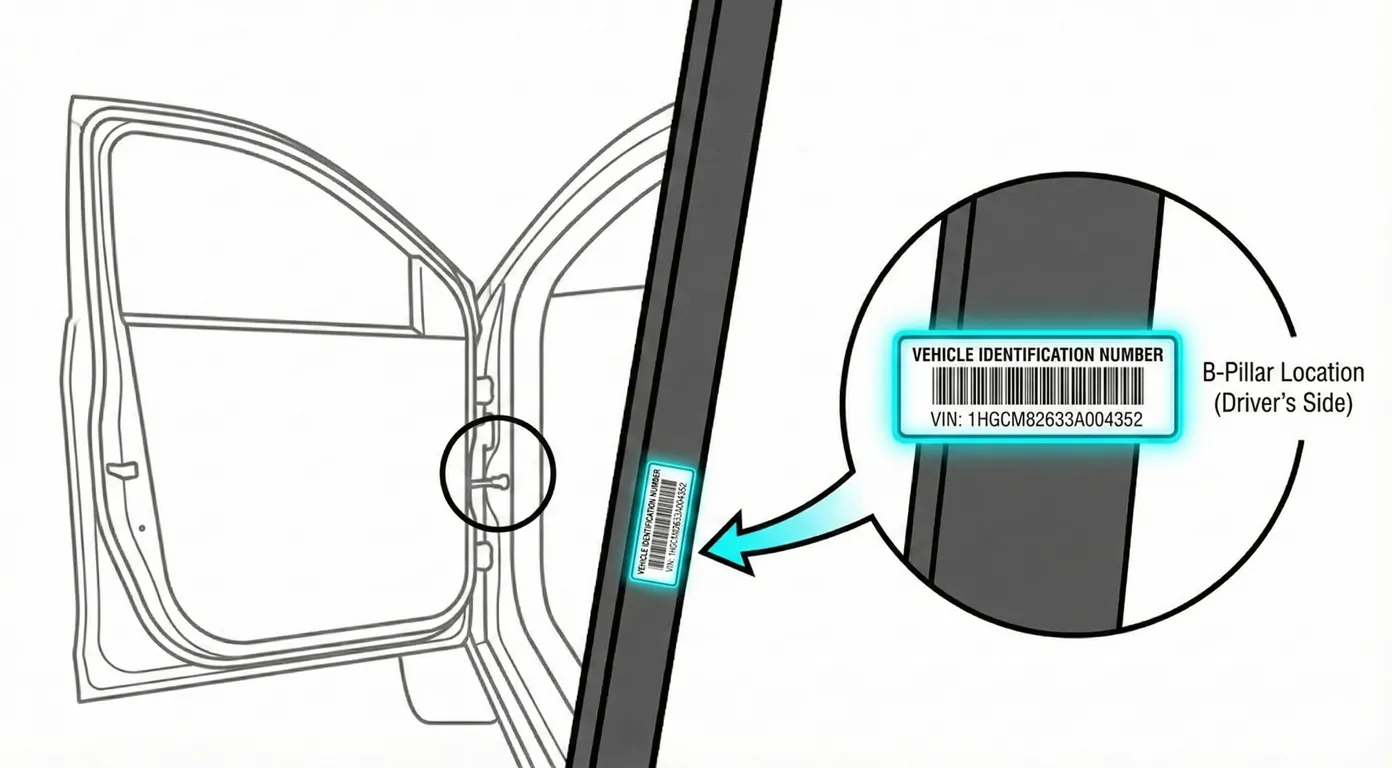
- Where to look: Open a front door and inspect the B-pillar/door jamb area (often lower section). You’re looking for a black or silver manufacturer label listing the VIN, weights, and paint/trim info.
- Access: Usually easy and well-lit. On older cars, the label can fade, peel, or get scratched.
- Note: Location can vary slightly by market (driver/passenger side), so if you don’t see it on one side, check the other front door jamb.
- Tip: This label is great for OCR—use the free VIN reader to scan the sticker rather than typing it by hand.
4) Trunk / boot option-code sticker (spare wheel well) 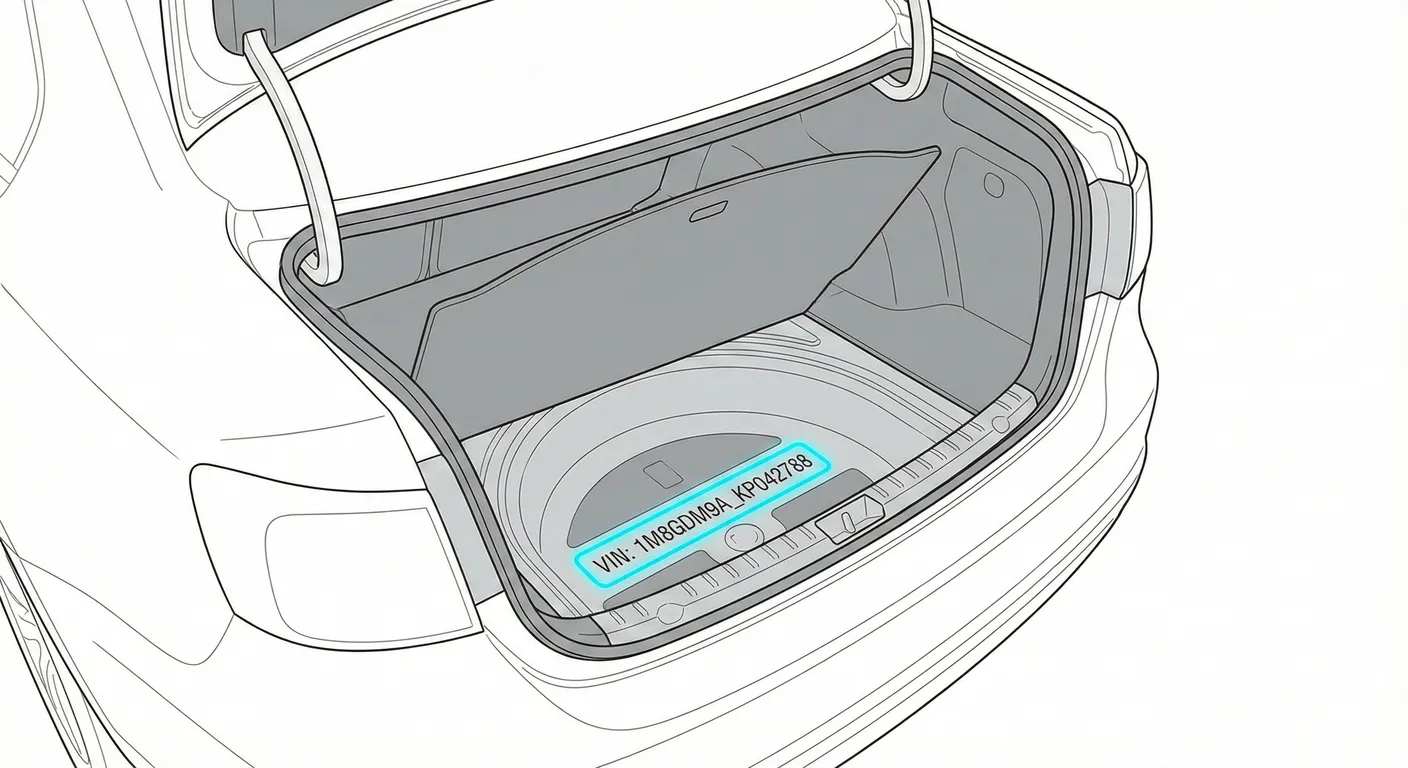
- Where to look: Open the trunk and lift the floor mat/carpet. Check in or near the spare tire well and the toolkit/foam organizer area for a white paper “vehicle data/PR code” sticker that includes the VIN and option codes.
- Access: Requires unloading/clearing the trunk and lifting panels. Sticker is fragile and can be damaged by moisture or cargo.
- Note: This is a strong backup if the windshield plate is missing or the door sticker is damaged.
- Tip: If the paper is wrinkled or stained, scan it with your phone instead of manually decoding faded print.
5) Service book / paperwork (vehicle data sticker)
- Where to look: Check the owner’s manual folder/glovebox for the maintenance booklet. Many have a “Vehicle Data” sticker (often matching the trunk sticker) and the VIN may also appear on official documents.
- Access: No tools—just find the booklet/documents.
- Note: Paperwork is useful for cross-checking, but always verify against a physical VIN on the car before purchase/registration.
- Tip: For clean, fast entry, scan the VIN from the booklet with OCR rather than retyping long strings.
6) MMI infotainment (digital VIN display) 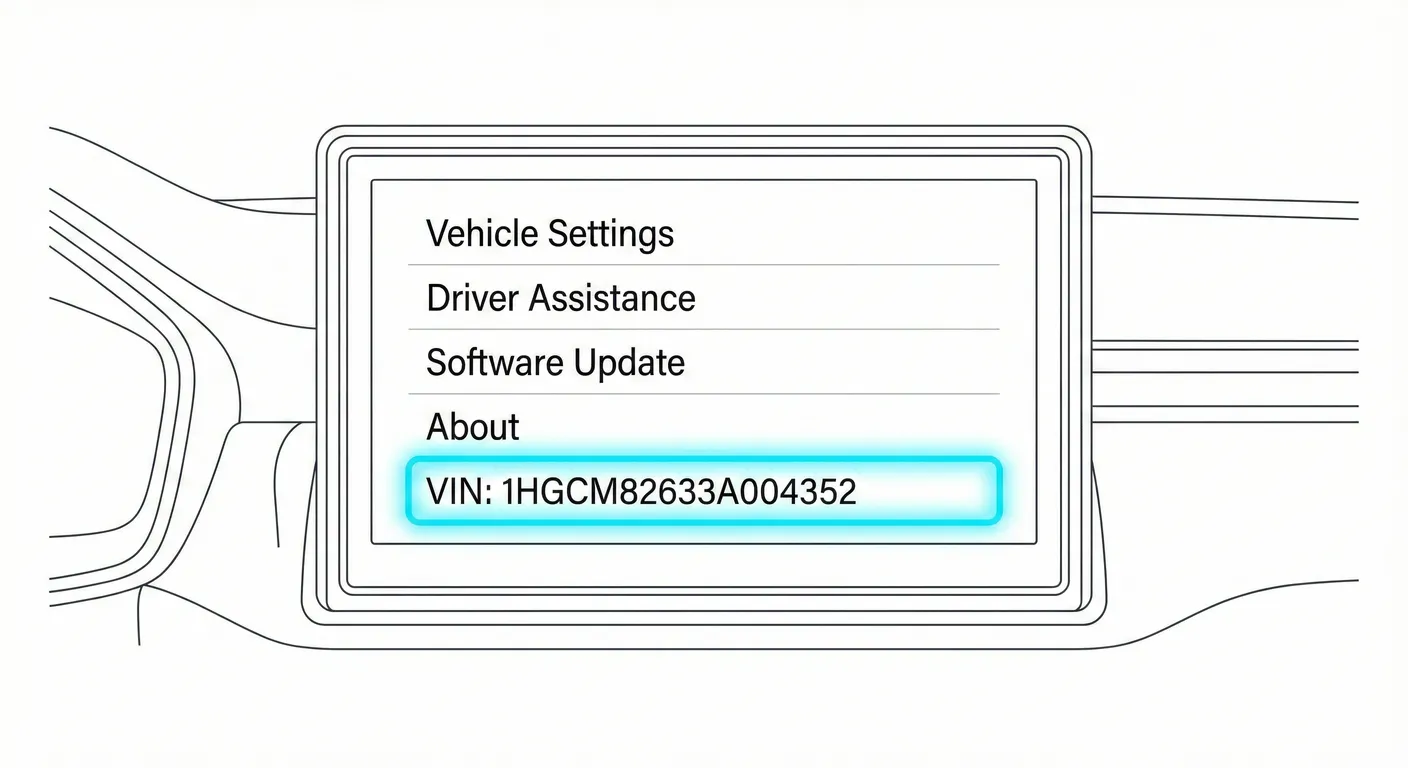
- Where to look: On many B8 cars with MMI: Car menu → Settings/System → Version information (wording varies). The VIN may be shown in system/version screens.
- Access: Requires battery power and menu navigation; screens can be harder to capture due to refresh/flicker.
- Note: Treat this as a verification point, not the primary legal identifier (physical VINs matter most).
- Tip: If you need to confirm characters you can’t read elsewhere, use the app to store/compare VINs you’ve scanned and spot mismatches quickly.
Video Guide
Video Tutorial: Where is VIN NUMBER Location in AUDI A4 B8 ( 2007 - YouTube
- Clear LHD Audi A4 B8 walkthrough showing the windshield area, the plenum/firewall stamped VIN, and the door jamb sticker.
Video Tutorial: Audi A4 chassis number location ! Audi A4 engine ... - YouTube
- RHD Audi A4 B8 video focusing on the door jamb sticker and the stamped VIN in the plenum chamber area.
Common Problems & Troubleshooting
- Stamped VIN hard to see in the plenum chamber: Leaves, dust, and glare at the windshield base can hide characters—brush debris away and shine a light sideways across the stamp to make it pop.
- Windshield plate unreadable: Reflections on the glass can obscure the VIN—change your viewing angle or shade the area with your hand.
- Sticker mismatch warning: A door/trunk sticker can be replaced or damaged—for any purchase or identity check, confirm the VIN matches the stamped chassis number.
Ready to scan?
Start the scanner and scan the VIN in seconds. No registration, no fees.
Check other generations of this model
Note on Data Sources
Information about VIN location in this model comes from aggregation of official technical documentation (OEM) and spare parts catalogs. Despite careful algorithmic verification, the data is for reference purposes only. Final vehicle identification should always be confirmed by an authorized technician.
See how we verify data and build our database →